

01
Upload and organize assets
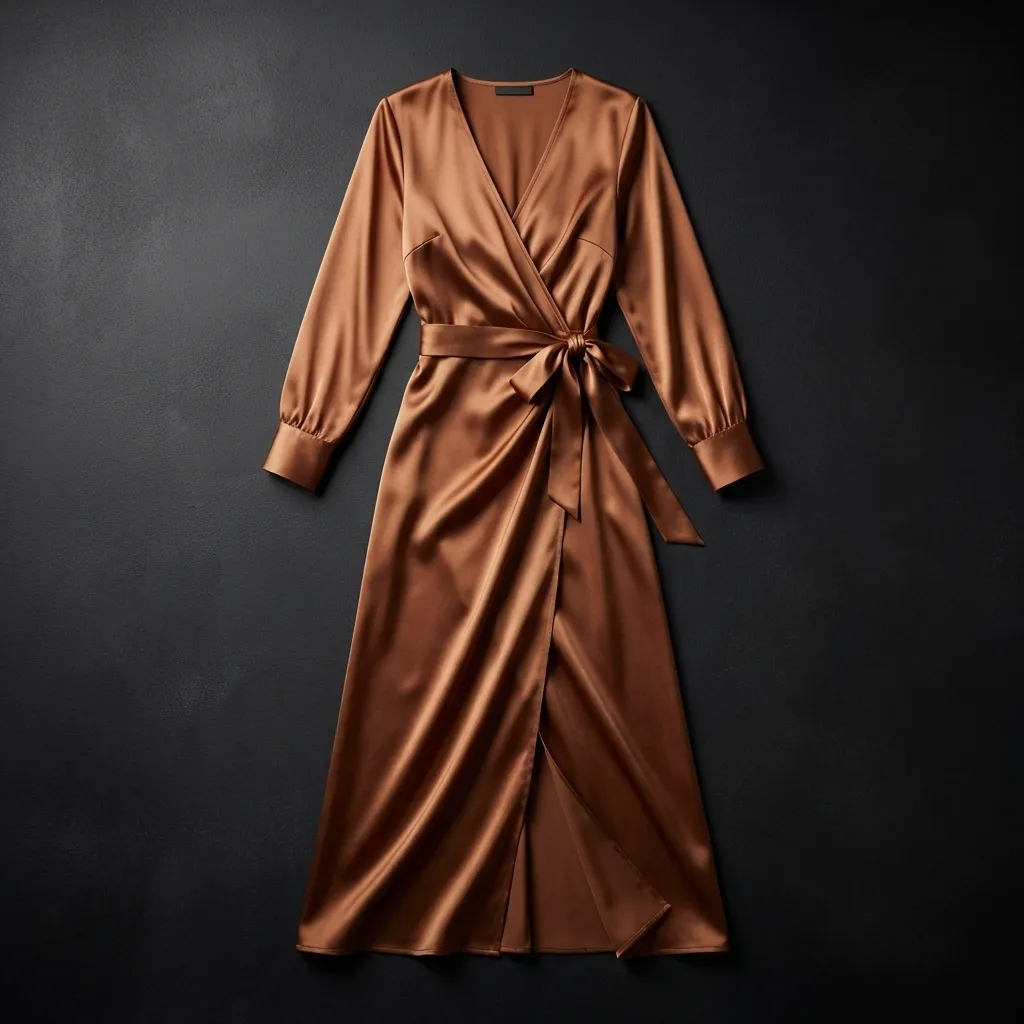
Import garment photos, product references, or inspiration images into your asset library with batch upload and automatic tagging.
Turn product references into launch-ready visuals with a workflow built for cross-border e-commerce teams.

Import garment photos, product references, or inspiration images into your asset library with batch upload and automatic tagging.
Choose the model, pose, scene, and style direction while keeping faces, lighting, and fabric texture under control.
Generate batches of channel-ready visuals for product listings, detail pages, and social media campaigns.
Import garment photos, product references, or inspiration images into your asset library with batch upload and automatic tagging.
Choose the model, pose, scene, and style direction while keeping faces, lighting, and fabric texture under control.
Generate batches of channel-ready visuals for product listings, detail pages, and social media campaigns.
Move from asset intake and tagging to generation, review, and channel-ready delivery in one connected flow.





Keep designers, operators, and reviewers aligned in the same workflow so feedback stays clear.
Run visual generation for many SKUs in parallel when catalogs need frequent updates.
Keep prompt, model, and parameter records so successful visual styles can be reused across future campaigns.
Use preset formats for common e-commerce channels to tune framing, background depth, and color saturation.